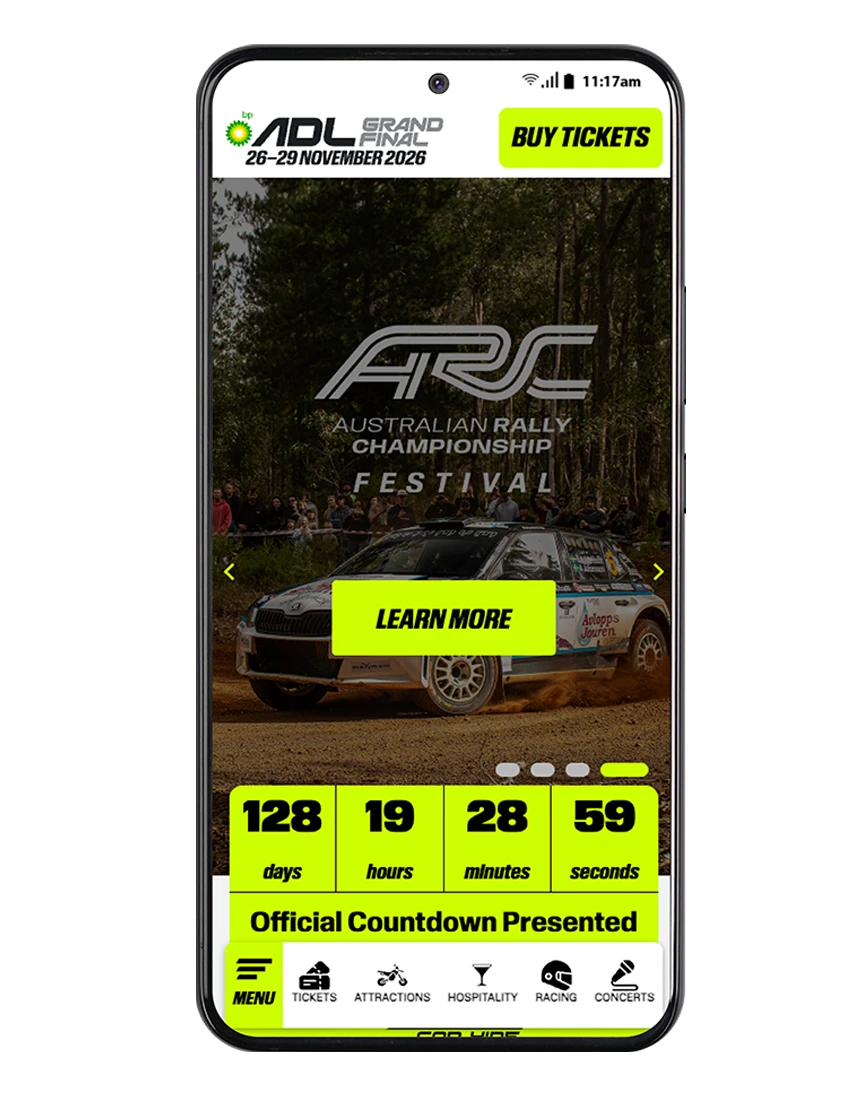
MENU

TICKETS

ATTRACTIONS

HOSPITALITY

RACING

CONCERTS

HOW TO INSTALL THIS APP ON YOUR PHONE
iPHONE
- Open this website in Safari.
- Tap the Share icon
 at the bottom of the screen.
 - Scroll down and tap Add to Home Screen.
- Tap Add in the top right corner.
The app icon will now appear on your home screen, ready to open anytime.
If you would like to receive push notifications from our website, go into the app and slide the subscribe icon out and click to register.
Note: this feature is only available in Safari. If you’re using Chrome or another browser on iPhone, please switch to Safari to install the app.
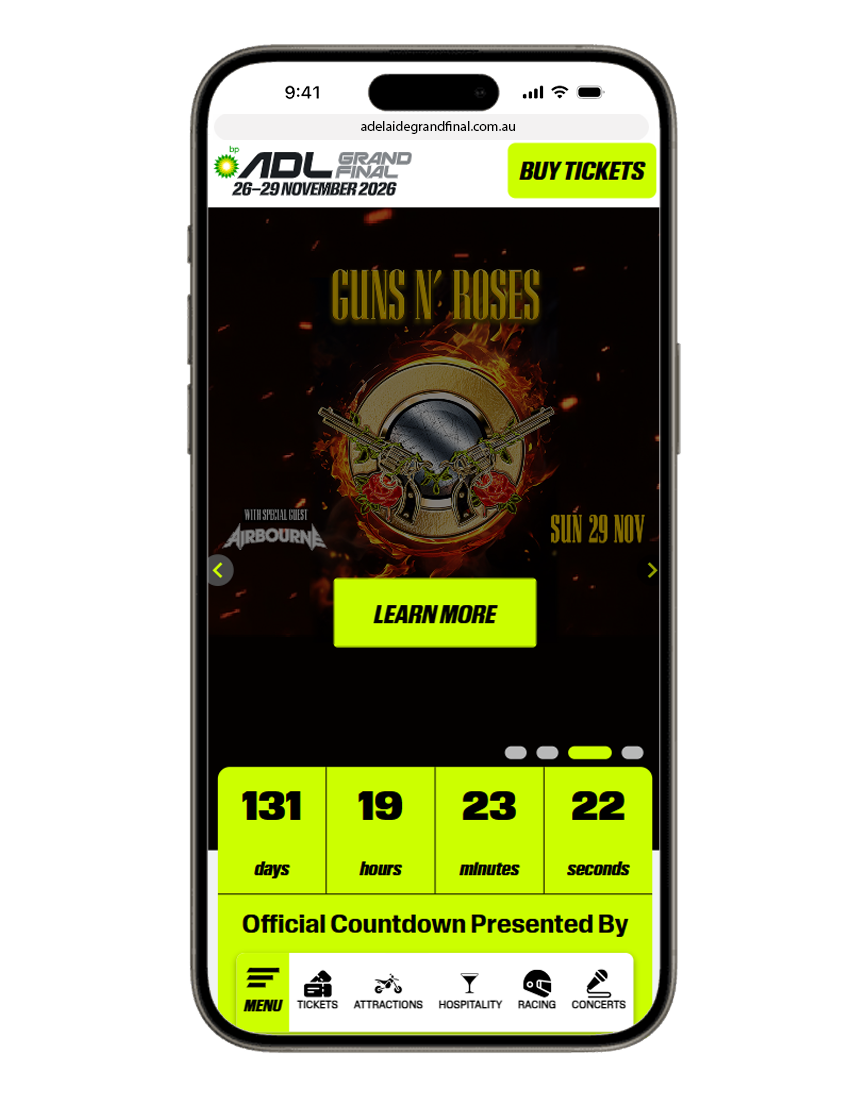
ANDROID
- Open this website in Chrome.
- Tap the three-dot menu in the top right corner.
- Tap Add to Home screen (or Install app, if that option appears).
- Confirm by tapping Add or Install.
The app icon will now appear on your home screen or in your app drawer.
Once installed, the app opens in its own window — just like any other app on your phone.
If you would like to receive push notifications from our website, go into the app and slide the subscribe icon out and click to register.